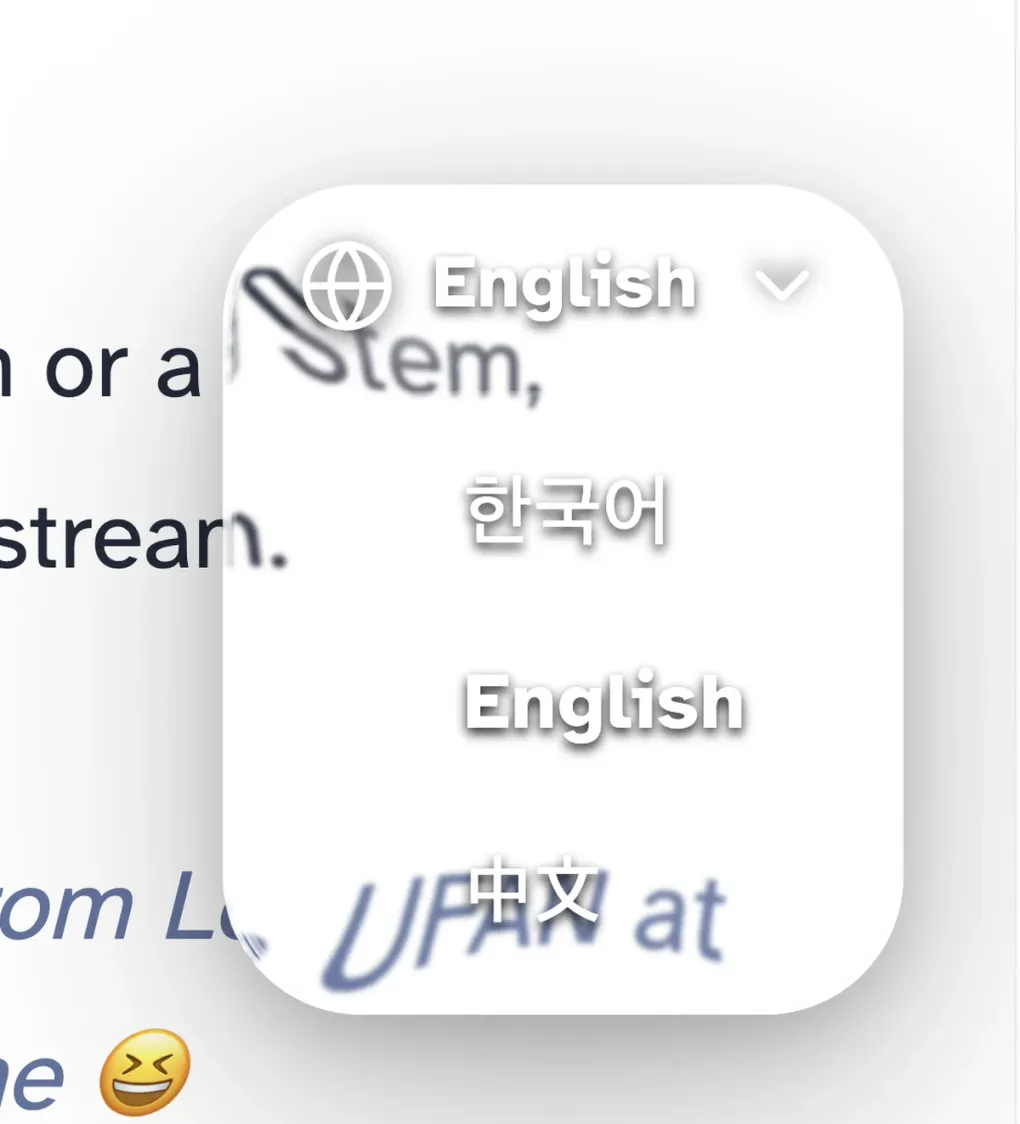
The Beauty of being Wasteful - Building a Liquid Glass Language Picker
Breathing Life into Waste
I hate liquid glass design. That’s why I haven’t updated to iOS 26 or macOS 26 yet. To be more precise, I think it looks really really cool, but the idea of my mobile GPU constantly rendering it just for aesthetics doesn’t sell to me (at least until now). Still, a little indulgence here and there should be fine, right? An efficient, lightweight component built mainly with CSS, that’s exactly what I needed.
Why?
This blog supports Korean, Chinese, and English. Since I’m Korean, I write posts quickly in Korean and let Claude handle the English and Chinese translations. Honestly, it works out surprisingly naturally 😅. I do inspect English though!! not blindly throwing at AI. I check if my soul is contained in it.
Result
How It’s Built
I’m genuinely bad at CSS. Honestly, C++ or Rust might actually be easier for me? (Different purposes, I know.) But in this age of AI and open source, a few conversations (actually a lot) with Claude and you can pull off design you want.
I went through a few open repos, gathered some designs and implementation patterns I liked, then brought them to the AI for a consult.
The goal was to balance performance, aesthetics, and simplicity as much as possible. In short: lean on CSS as hard as you can.
Limitations
Nothing I can do about it. Safari and Apple mobile don’t support backdrop-filter with SVG filter URLs in CSS. According to the AI, it was actually Apple’s idea, but Chrome shipped it first. Kind of ironic. That said, I’m pretty happy with the frosted glass fallback 🙂.
GitHub
The whole blog is open source! If you’re curious, check out the FloatingLanguagePicker.astro file. Fair warning though, more than half of it is light refraction math, so it gets pretty gnarly. lol
Source code available here